Remove an unnecessary step for your members when they need to attend your meetings. You can set them to automatically attend when you invite them to the meeting, meaning they only need to respond to the invitation if they want to decline.
Set automatic attendance on a new meeting
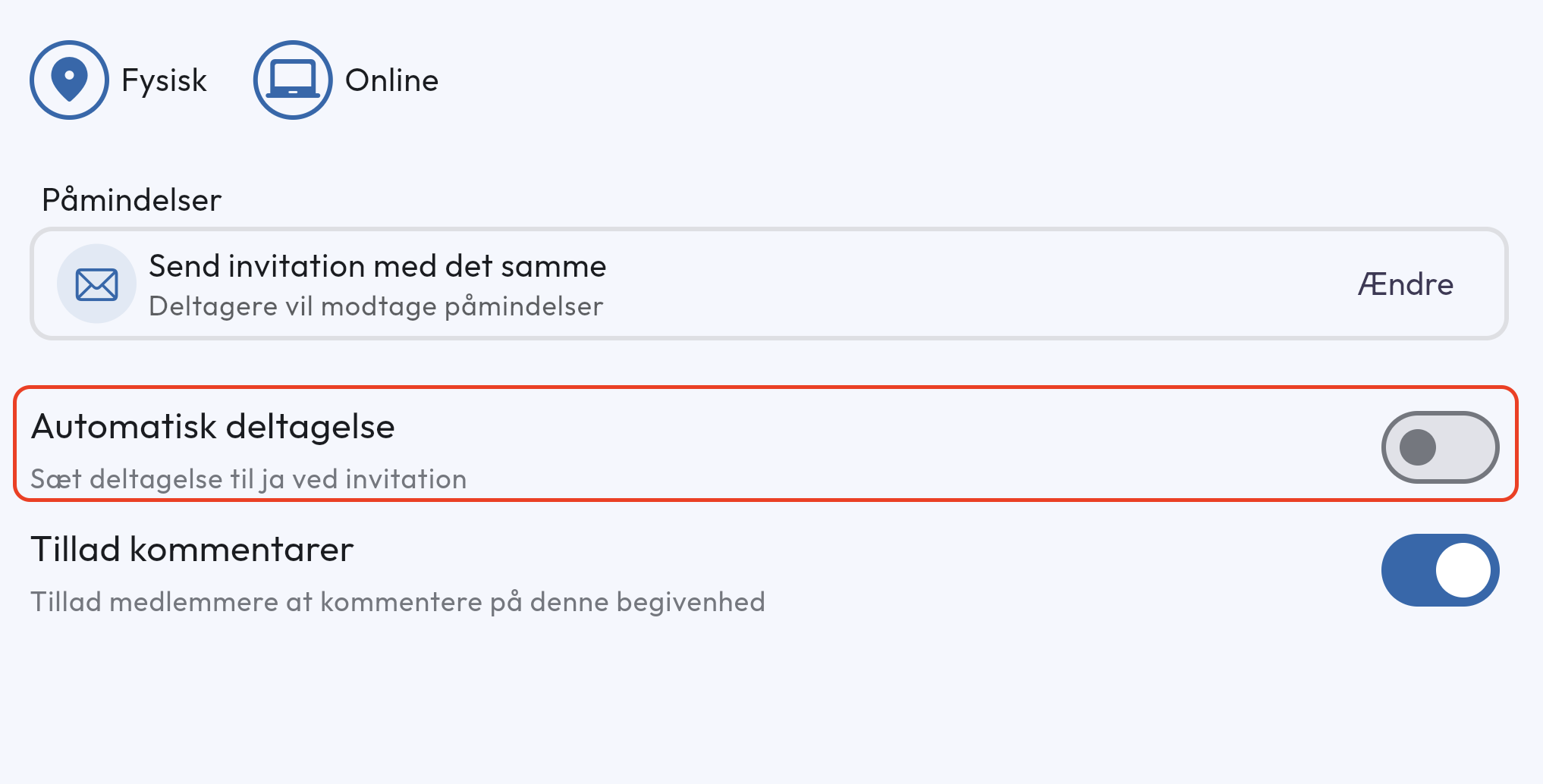
- Create a new meeting under Events and fill in the required information.
- At the bottom of the meeting settings there is a toggle for Automatic attendance.
Participants will now automatically be set to attend when you create the meeting.
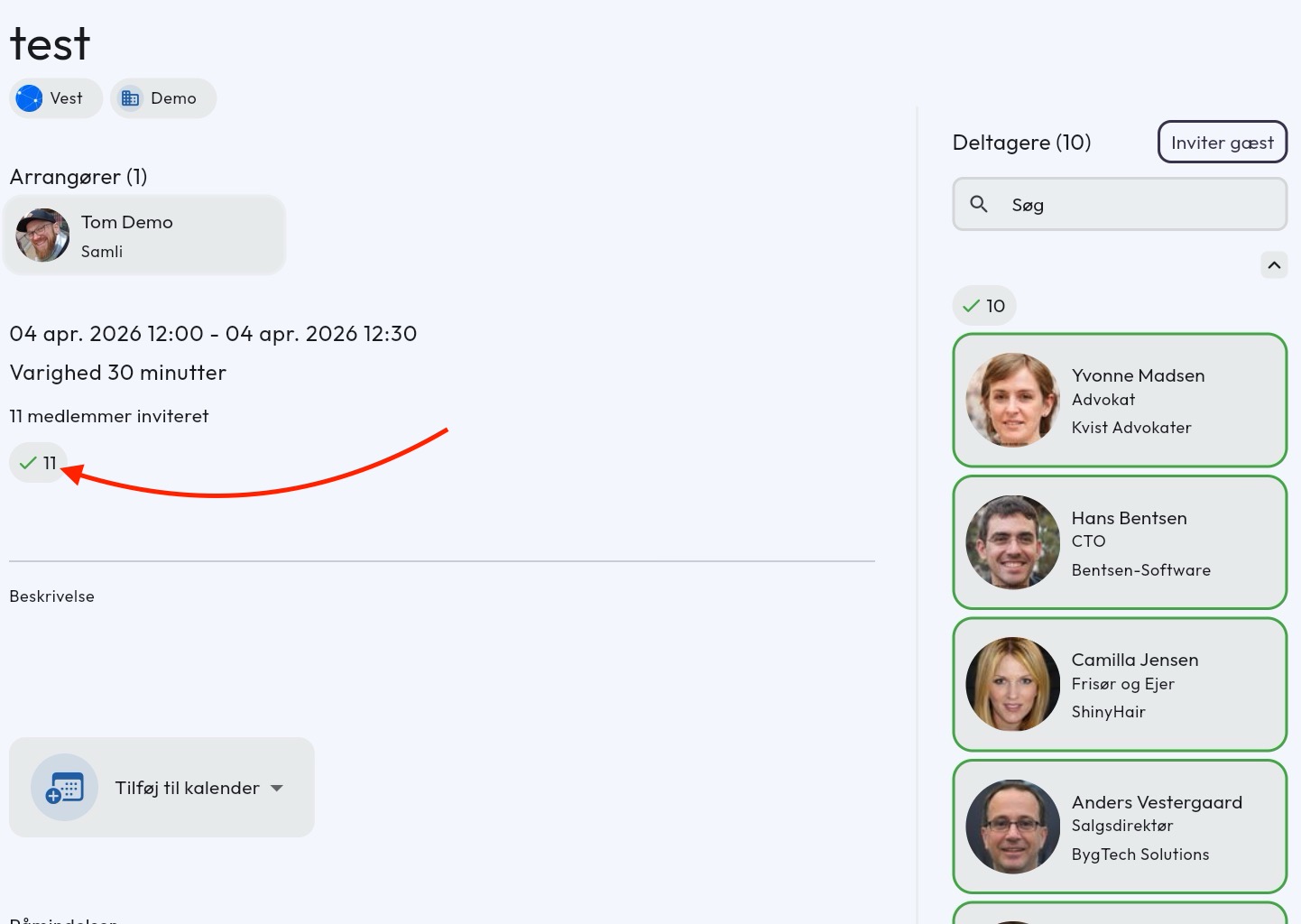
NOTE you cannot set automatic attendance after the meeting has been created.
Set automatic attendance as default for new meetings
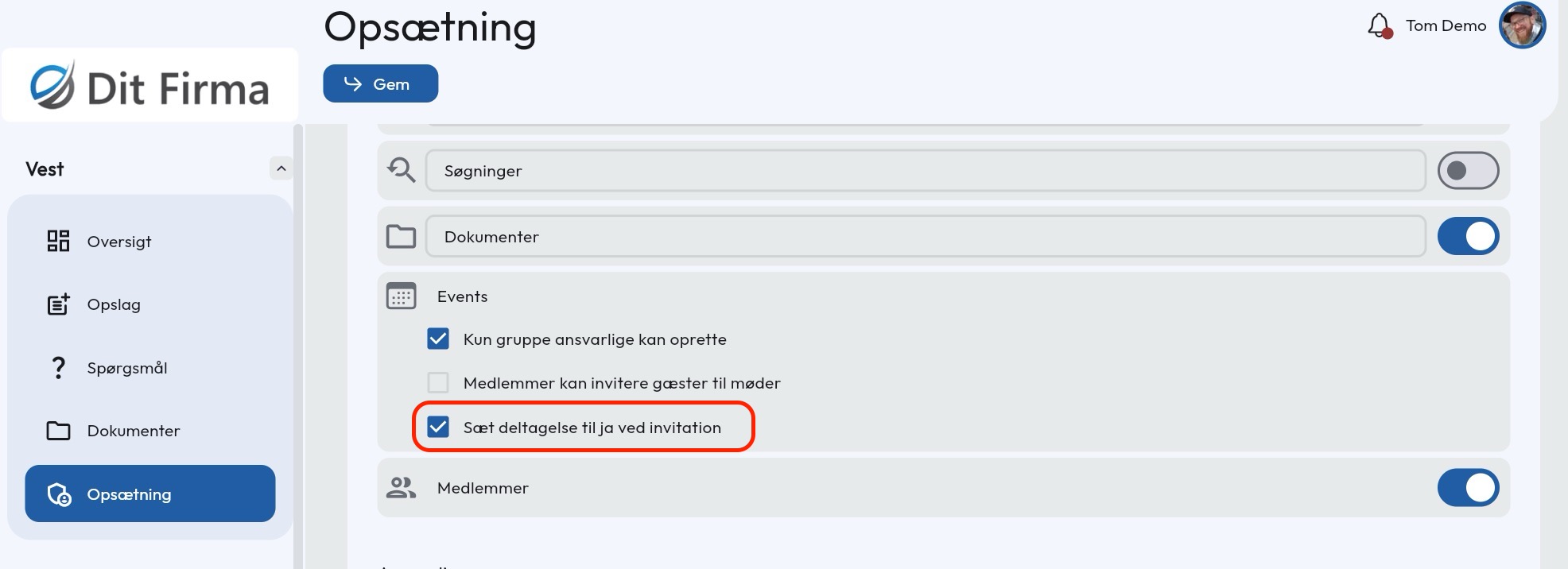
You can also choose to make automatic attendance the default per group.
- Go to Group settings for the group that owns the meetings.
- Scroll down to the Event module and check the box at Set attendance to yes at invite
Have questions about automatic attendance? Contact us — we’re happy to help!