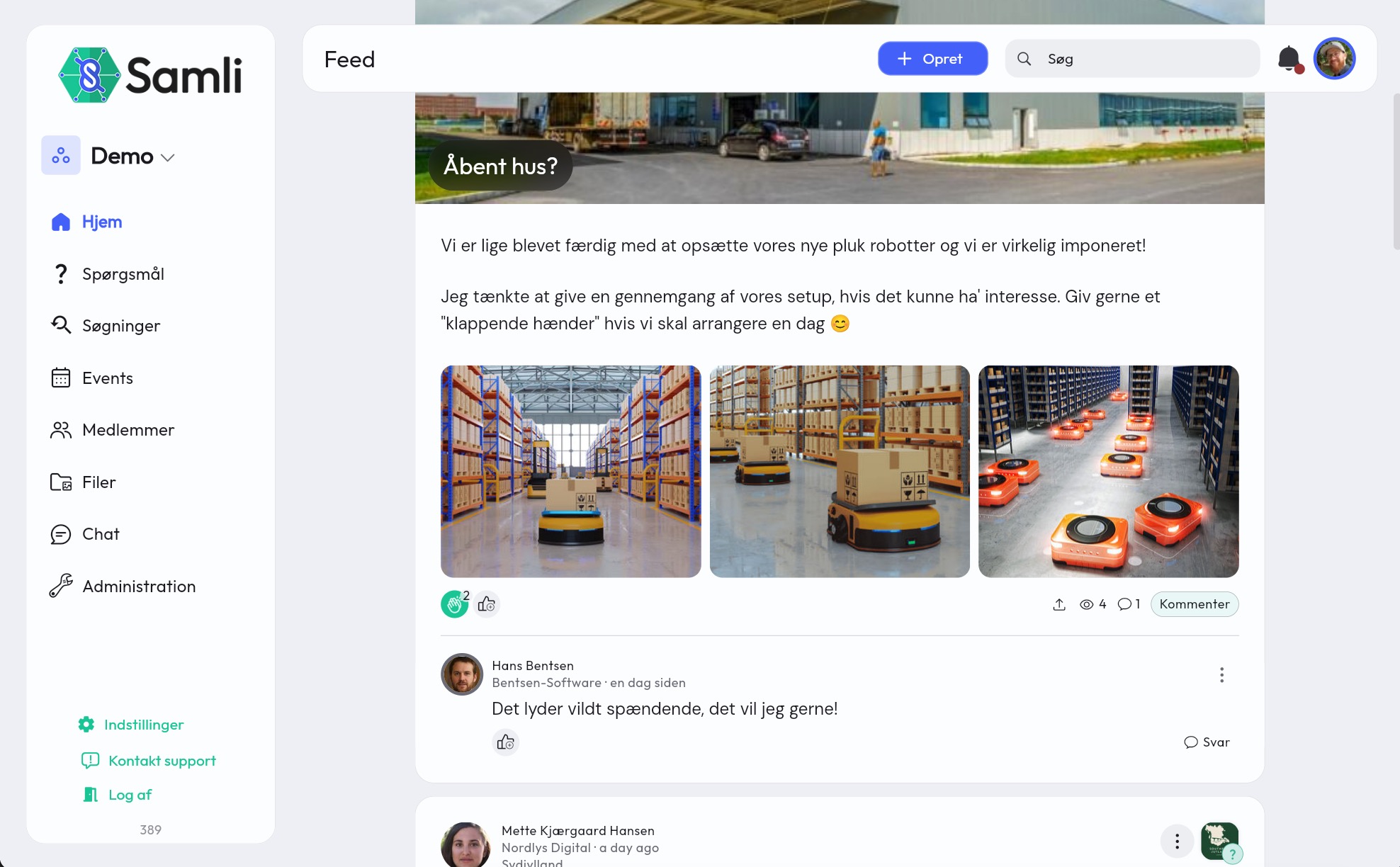
Members can freely interact and create content in your community, but you have a few options for defining what should be created and where. This can help you keep track of your content and make it easy to find again as the community grows older.
Switch between feeds you have access to
By default, all feeds are shown at the same time. That is, both feed content from the shared space in the community, as well as subgroups you are part of. However, it’s possible to filter the feed by selecting one or more groups in the group selector at the top left (on desktop) or at the top of the app (on mobile).
Group selector on desktop 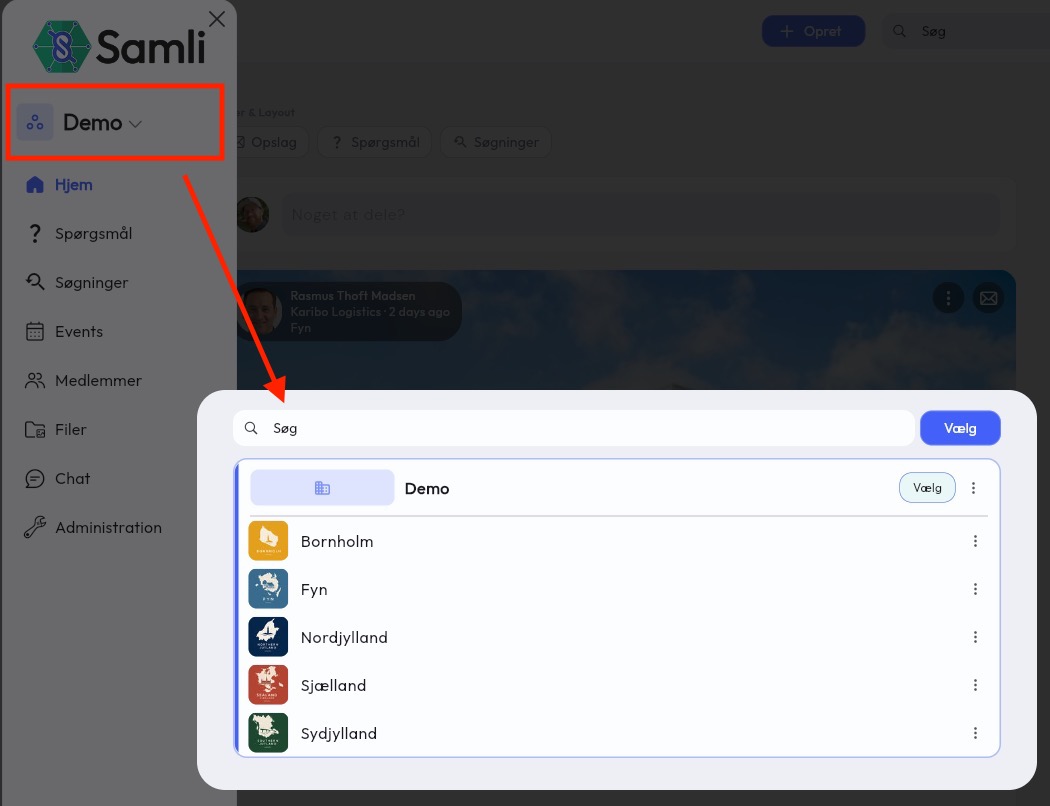
Group selector in the app (mobile) 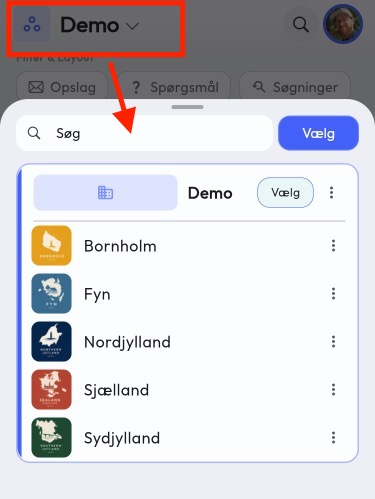
Should members be able to create content at the top level of your community?
If you are many members and members are allowed to create content that can be seen by all groups, you risk spamming your members with a lot of notifications. When content is created, the app asks before it’s posted whether notifications should be sent out. However, it’s the member who decides whether others should be informed.
As an administrator, you can turn off member content at the top level and thereby ensure that unnecessary information isn’t shared across all members. Members can, however, still comment on content created by you as administrators.
Turn member content on/off at the top level
- Go to Administration in your community
- Click on Organisation.
- Click on Access and modules.
- Find Member content on organisation and turn it on or off

Choose content types
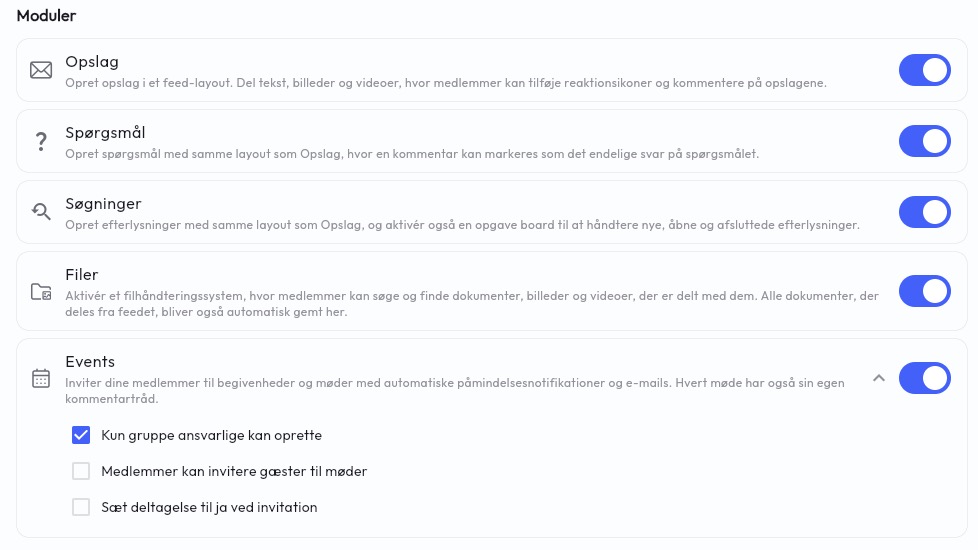
You can add/remove posts, questions and searches at the overall level in your community, or on the individual groups.
On the organisation (entire community)
- Go to Administration in your community
- Click on Organisation.
- Click on Access and modules.
- Add/deselect content types.
On individual groups
- Go to Administration in your community
- Group managers can go to Group settings by clicking on their profile picture.
- Click on the group to be changed.
- Scroll down to Modules.
- Add/deselect content types.
Images, videos and files are automatically added to the file archive
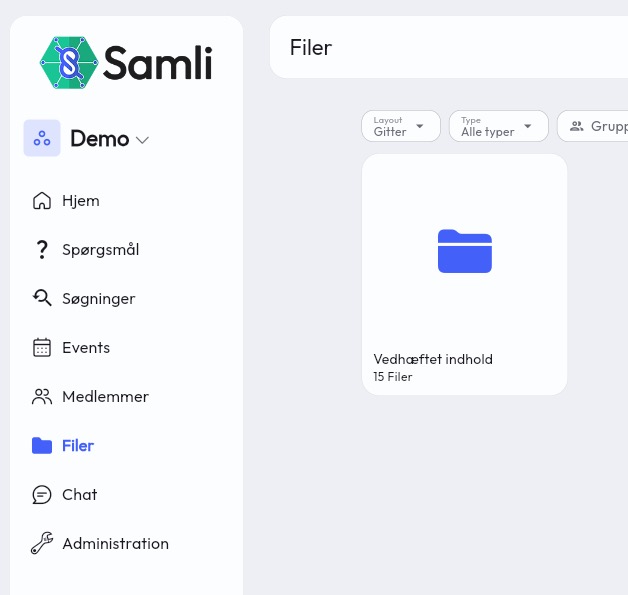
When you share content in the feed, regardless of type, the attached images, videos and files will automatically be added to a folder in Files called Attached content.
Files are restricted in the same way as where they are attached, so attachments on a post in a specific group can only be seen by the members of the group and administrators.