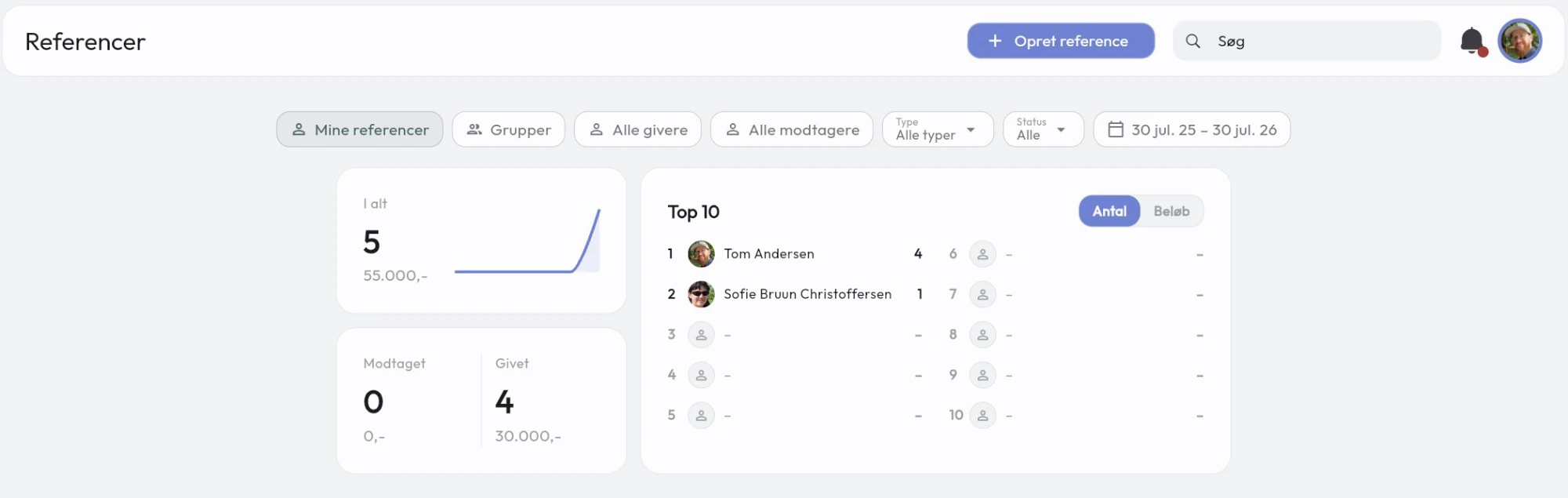
Keep track of the referrals between your members — automatically, when they share contacts, complete searches and hold 1-to-1 meetings.
Getting started with the referral module
You can keep track of referrals between members with the referral module and add a bit of competition to your groups.
You decide for yourselves whether referrals should include revenue.
There are 4 ways a referral can be created, and 3 of them are automatic.
- By sharing a business card
- Completing a search
- Booking a 1-to-1 between members
- Creating a referral manually
By sharing a business card
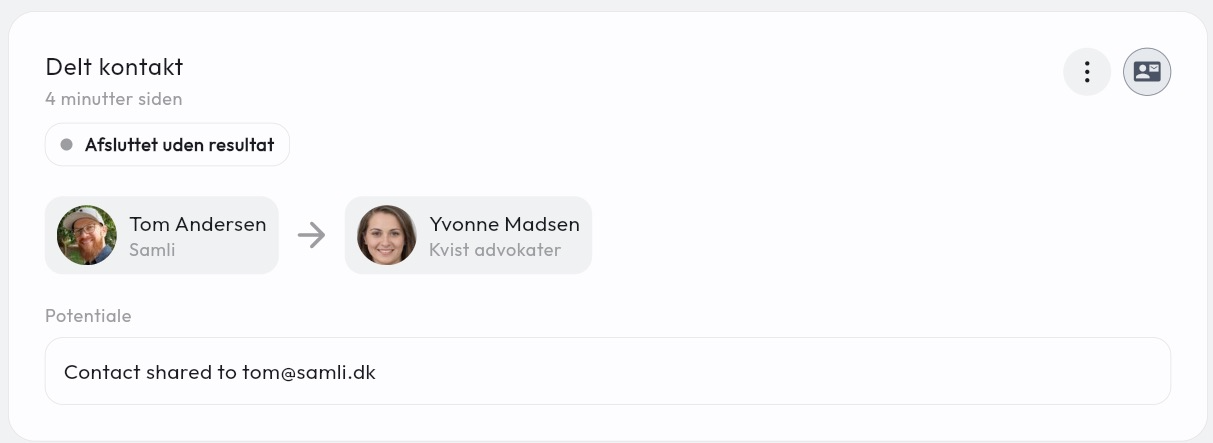
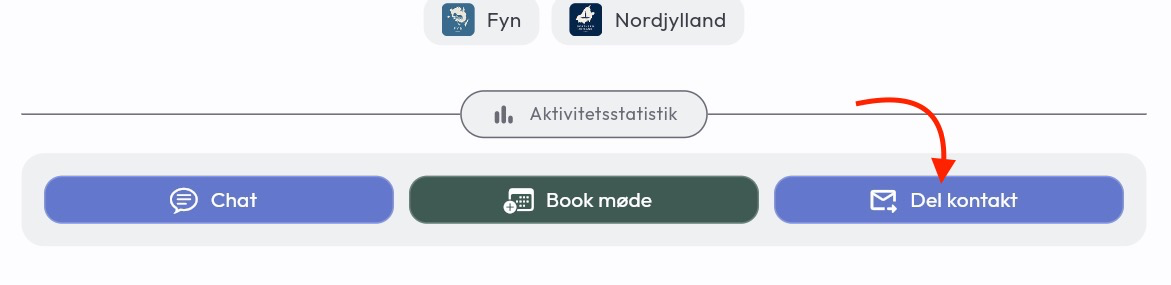
The referral is created when a member shares another member via the Share contact button on other members’ profiles. The referral is open and can be seen by both the administrator and by the member who is the receiver and the giver.
By completing a search
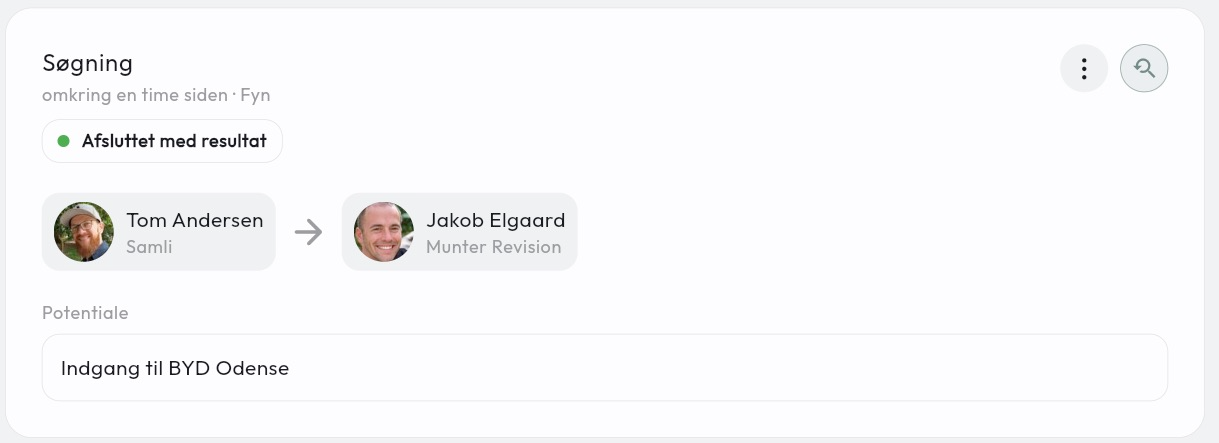
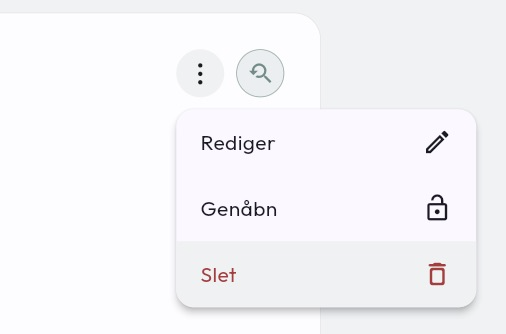
When a search is moved to Done, an open referral is created automatically. No members are auto-selected here, since a search can consist of many different things. If the search should not be registered as a referral, it can simply be deleted using the menu button.
By 1-to-1 booking
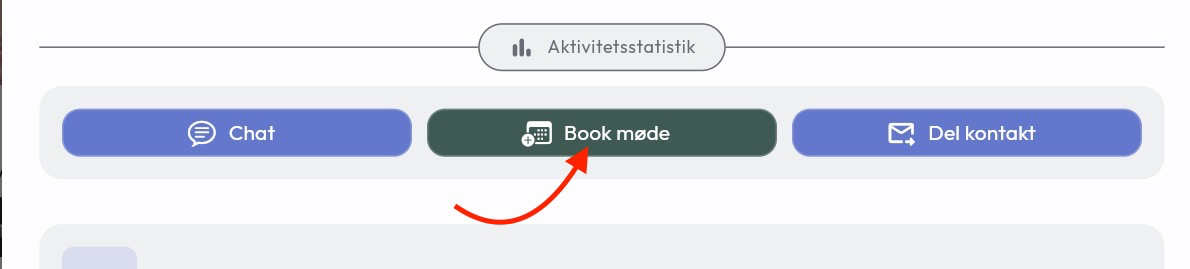
When 2 members hold a 1-to-1, an open referral is created where they can register whether anything came out of the meeting. 1-to-1 meetings are booked directly on a member’s profile view under Book meeting.
Manual referral
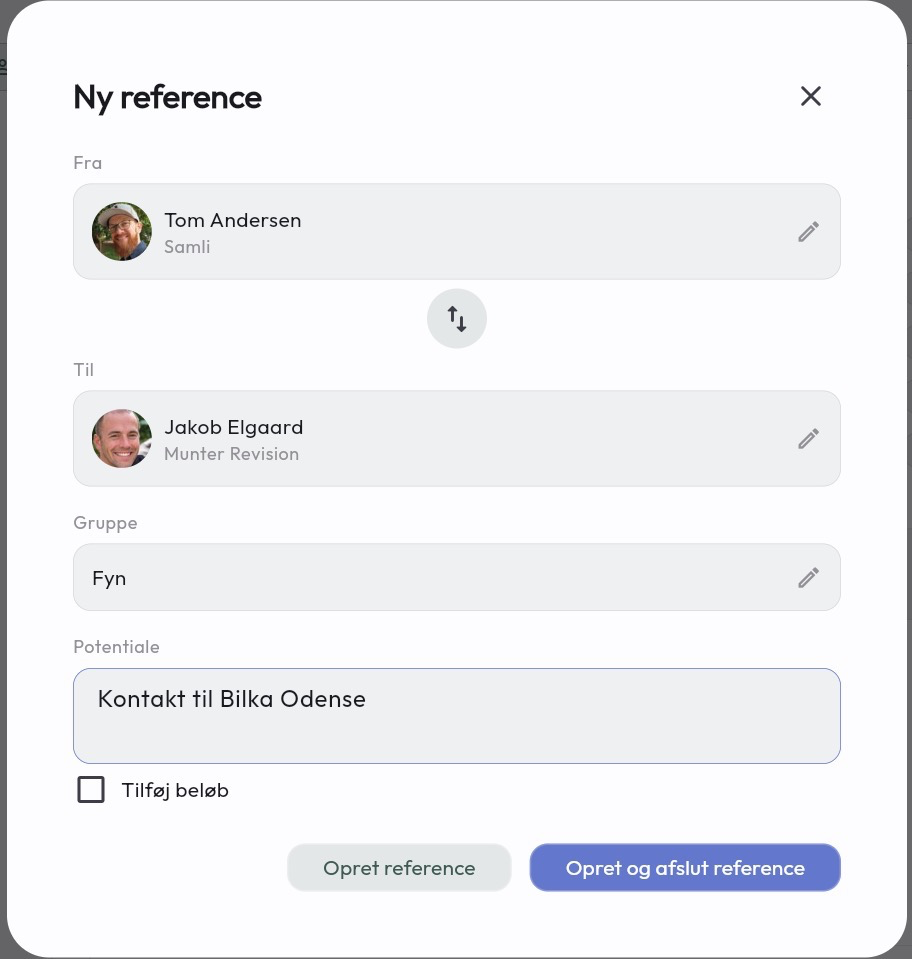
Members and administrators can create referrals at any time and choose who the referral was made for. Here it is also possible to choose which group the referral belongs to, if you want a bit of competition between the groups.
Dashboard
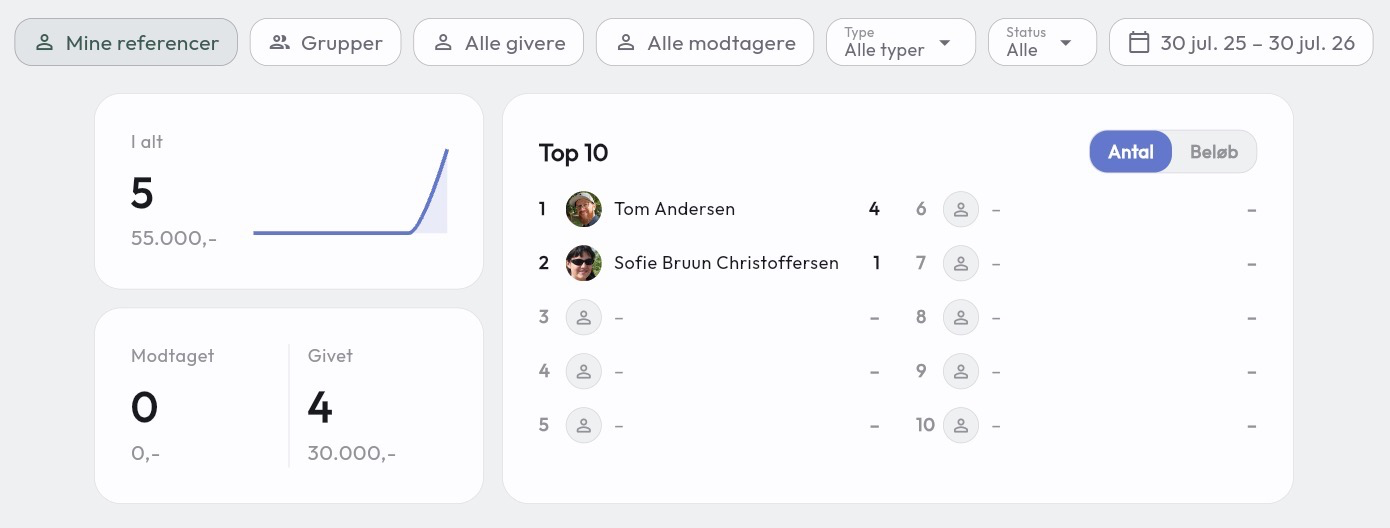
You can follow how many referrals have been given at any time. Members can of course only see referrals for their own groups, while administrators can look across all groups.
Here you can also narrow things down by dates, groups, givers, receivers and which referral type was given.
Have questions about the referral module? Contact us — we’re happy to help!