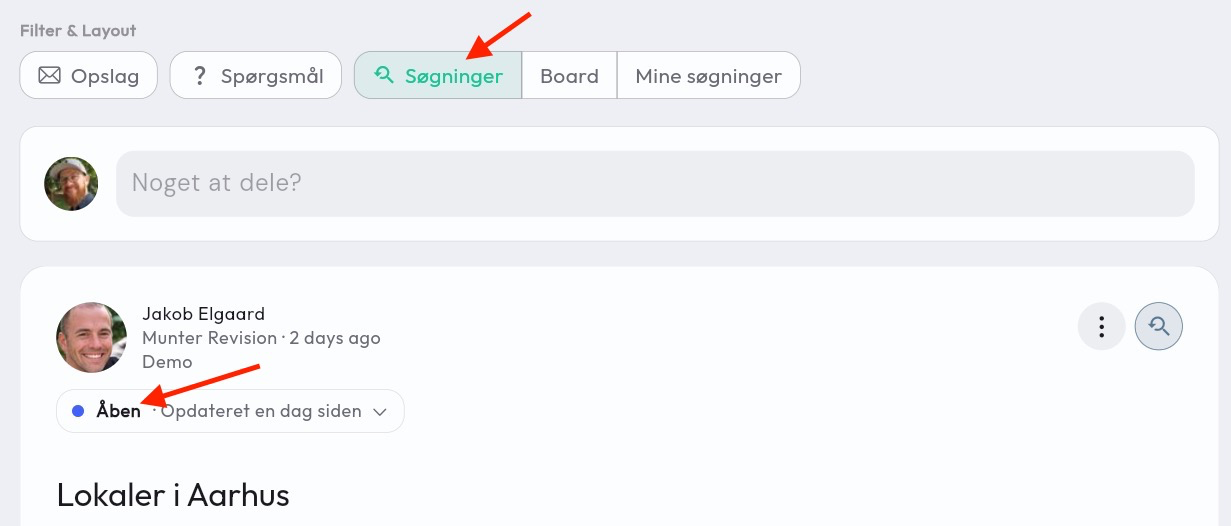
Searches in the network are often a recurring task every time you meet, and it is therefore a good idea to keep track of the searches so you can follow up on them together. Both before and after your network meetings.
New, ongoing and completed searches
With the searches module a search board is added. Here you get a clear overview of your searches — which ones are new, which are ongoing and which you have completed.
On a search, members can add reactions and comments and thereby collaborate on your searches.
It is possible for administrators, group managers and the member who created the search to edit the status of the individual search.
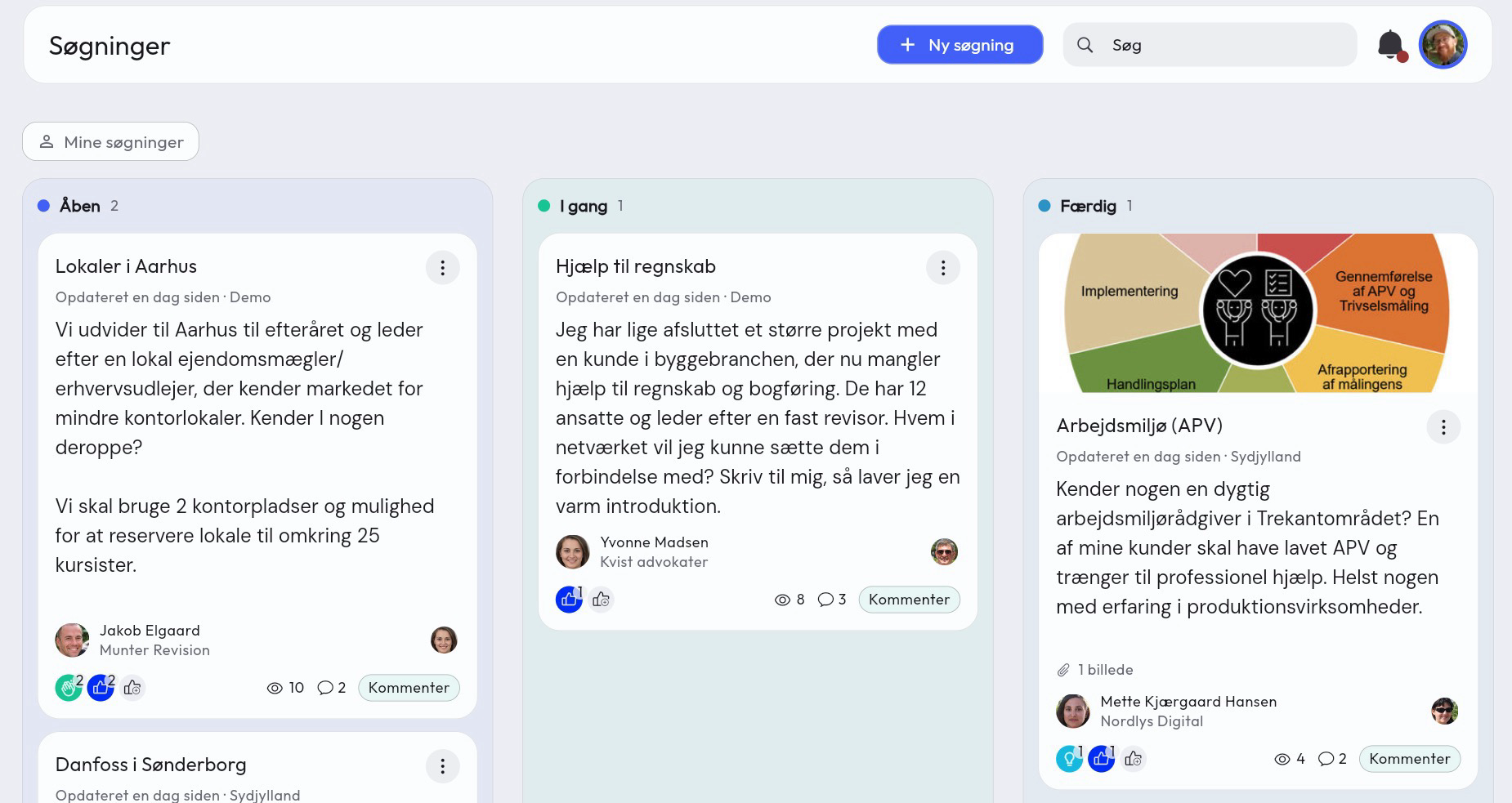
Go to the board (computer)
- In the side menu, simply click on Searches
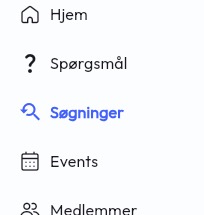
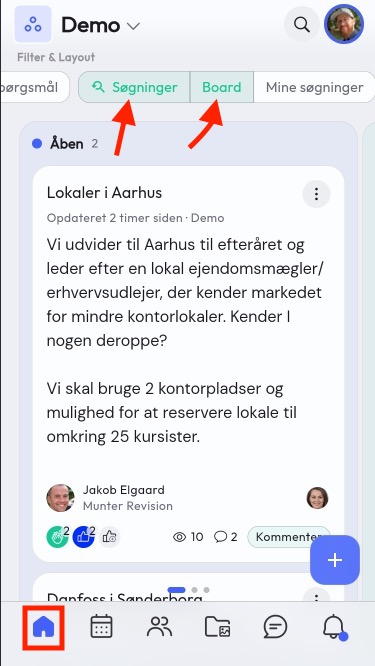
Go to the board (mobile)
- Stay on Home (the first page in the navigation bar)
- Select Searches as the filter at the top of the screen
- Tap on Board
Searches in the feed
Searches are also automatically added to the members’ feed, and (if notification is selected on creation) they will be informed via notification and email.
On the search in the feed, the responsible person can also access the status and change it, directly on the search.