2026 is well underway and I hope you have exciting plans for your members.
Lars and I are ready to make Samli deliver even more value to you this year! Beyond what we already have in the pipeline, you’re always welcome to reach out and share ideas and wishes.
An update to your app was rolled out over the weekend that will make it much easier for you to keep your members up to date.
Notifications
All members will now receive notifications on their phones if they have the app installed.
Notifications are sent when:
- New posts, searches, and questions are created.
- Invitations and reminders for meetings, as well as new comments on meetings you are invited to.
- New comments on content you have created.
- New comments on content where you have also commented.
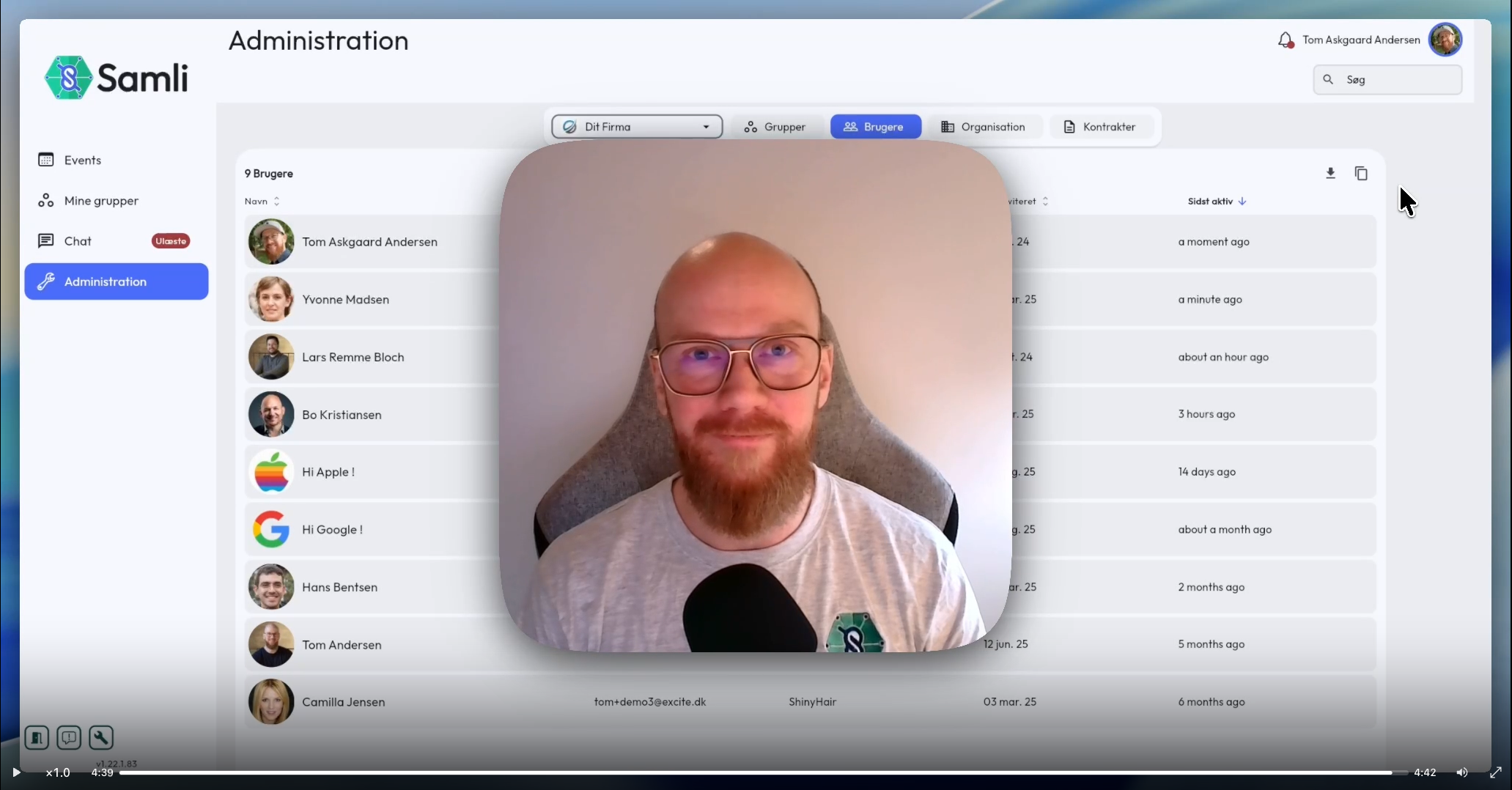
Watch a 5-minute walkthrough here: https://screen.studio/share/W2hfZ4A3
If you’re thinking: “Way too many notifications!”
Don’t worry. Members can freely choose what they want to receive notifications about via “Notification settings”, which is now available when they click on their profile picture.
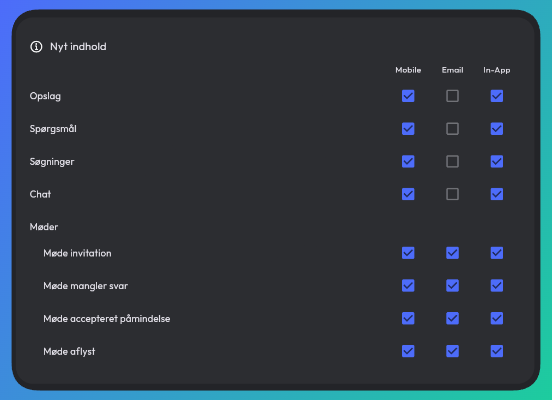
We know that notifications are a fine balance and can be quite disruptive in members’ daily lives. On the other hand, it’s a powerful tool for you to engage members and encourage them to be more active in the network.
For example, if you need to inform people before a meeting, you can simply add a comment to the meeting and everyone who is invited (except those who have declined) will receive a notification with the comment.
Notifications will get another update later in the year where you will be able to: See which members have notifications enabled. Set a notification template that pre-configures settings for new members. Change the automatic reminders on meetings.
Feel free to reach out if you have ideas for improving notifications in Samli.
Inform your members
Consider informing your members about the new notifications to avoid overwhelming them. I’ve written a template below that you can share with them or use as a starting point:
Hi Everyone,
An update to our app has been released that makes it easier to stay up to date with what’s happening in the group. The app will now send you notifications when you are invited to new meetings and when something new happens in the group.
You can customise which notifications and emails you receive from the app by going to Notification settings, which you’ll find by clicking on your profile picture in the top right corner.
If you are not receiving notifications today, it may be because you disabled them when you installed the app. You can also enable notifications from within Notification settings.
Other improvements
We’ve also fixed a bunch of bugs and made a few adjustments.
- Changing a user’s email now works correctly.
- View sent reminders on meetings without having to edit first.
- Improved user experience when editing users in the administration on mobile.
- The owner of a question can now edit and delete it after creation.
- When inviting members and there is only one group to choose from, it is now automatically expanded.
- “Invite guest” on meetings is now displayed correctly for administrators.
- Improved display of members on mobile.
Bug fixes
- Phones with a language not supported by Samli will now correctly default to English and open the app.
- Uploaded documents owned by a deleted user can now be displayed.
- Company name is now displayed correctly on events.
- You can now search separately by first name and last name in user administration.
- Removed unnecessary comma in the address field under events.
- Removed “mark as answered” on comments under posts and searches.
Next steps
We’ve already started on the next update. Here’s what the roadmap looks like:
- “Quick share” of a member’s contact information (business card sharing)
- Sponsor module — promotion of partners
- Statistics such as activity percentage per member
- Categorisation (tags) on members such as industry, role, etc.