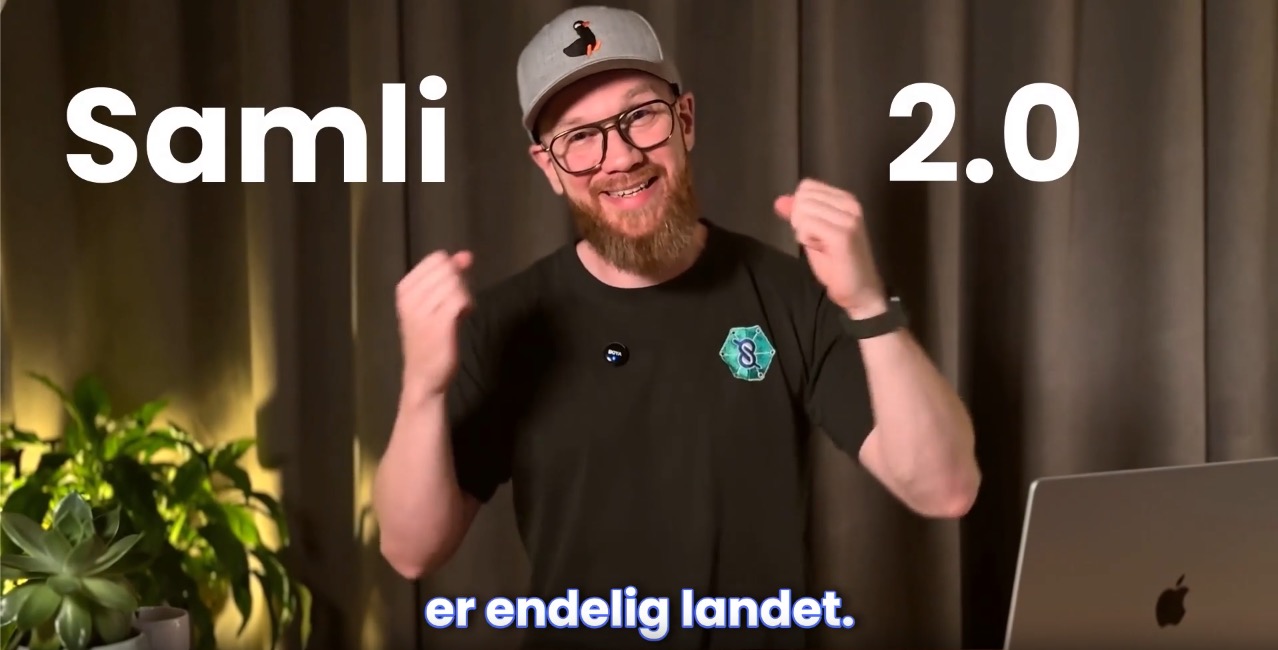
I’ve really been looking forward to sharing Samli 2.0 with you! Lars and I have also nicknamed this update “Samli Community”, because it’s all about creating a more lively digital space for you!
Your app has also had a design overhaul, but it’s still recognizable enough that you’ll be able to find your features (hopefully 🤞). As always, you’re more than welcome to reach out to me.
I’ve made a 2-minute video where I walk through the biggest changes here
🗞️Feed - the shortest path to viewing and creating content
In the old app it wasn’t very easy for members to figure out how to create a post. So we’ve completely scrapped the way posts, searches and questions looked. Don’t worry, your content has been moved over 😊
Community layout that members already know
Why change something we know works? You can say a lot of negative things about social media and the “endless scrolling” addiction. But if you remove the ads and only show content from people you’re connected with, it’s actually a really smart and fun way to communicate.
That’s why we’re now introducing a feed that shows chronological content such as posts, searches, questions and meetings. Easy to figure out and easy to interact with.
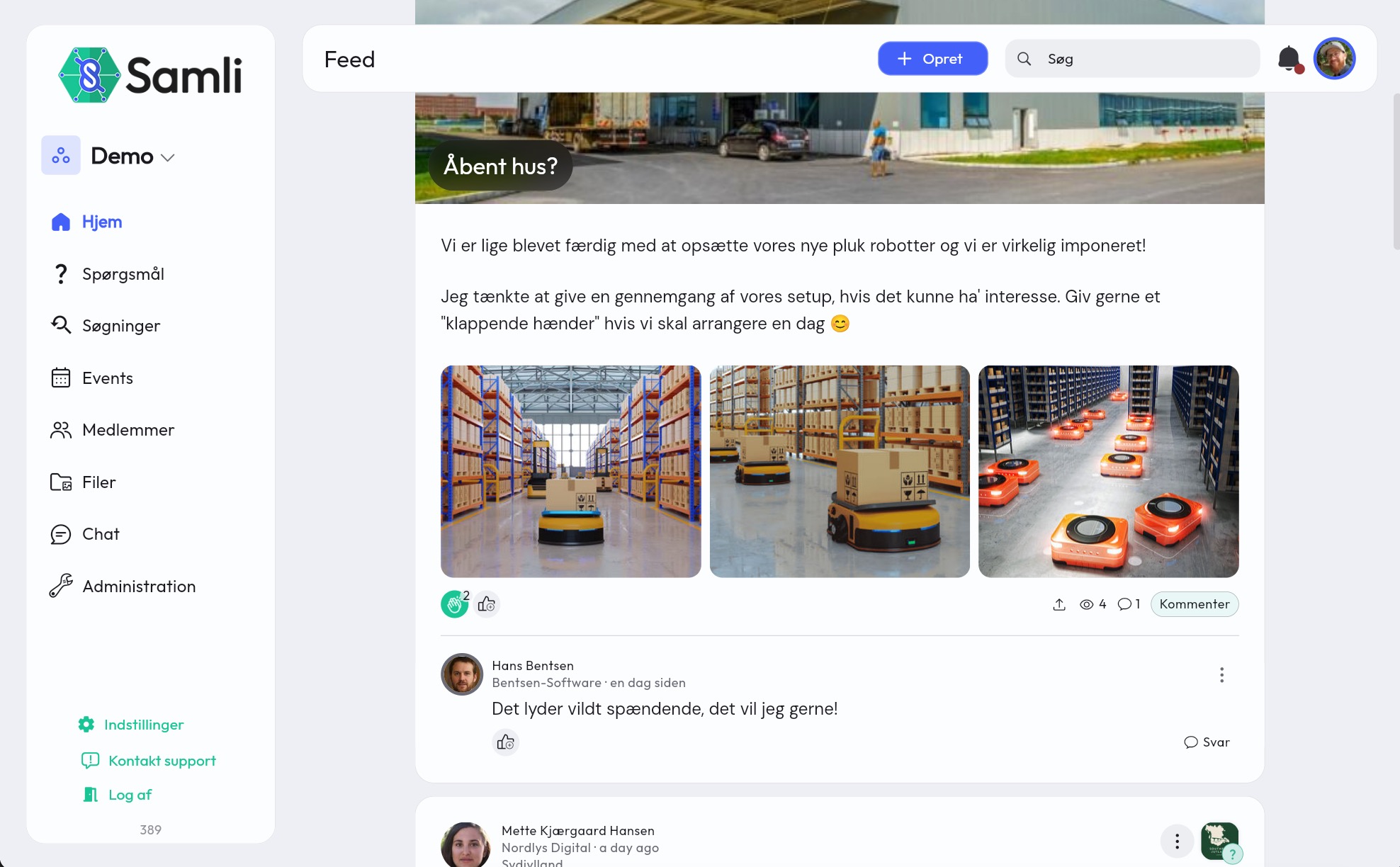
Important Should your members be able to create content that all groups can see? Turn it on or off under Administration -> Organization -> Access and Modules

Posts and “reactions”
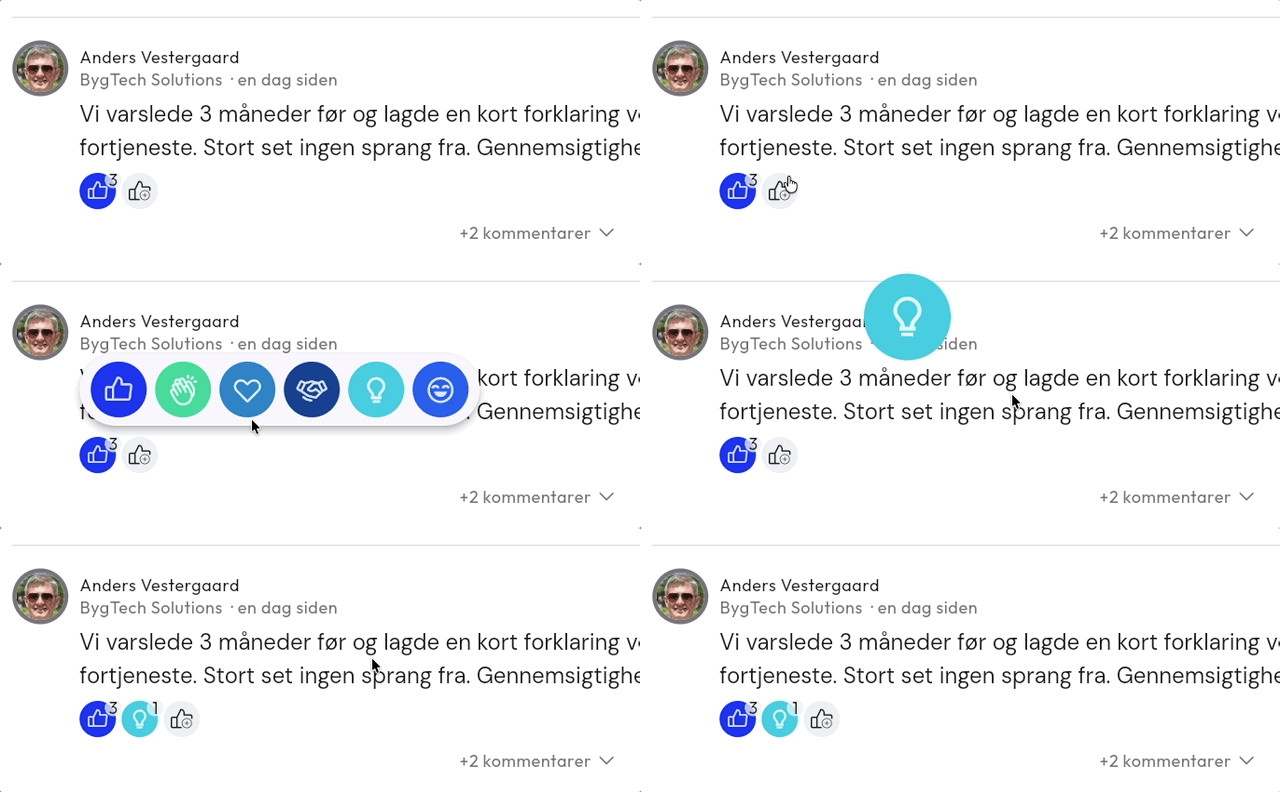
It’s a lot more fun to see who reacted to a post than just how many people viewed it. That’s why we’ve added 6 different reactions that can be used on posts, searches, questions and comments
And creating content and adding files, images and videos has become a lot easier.
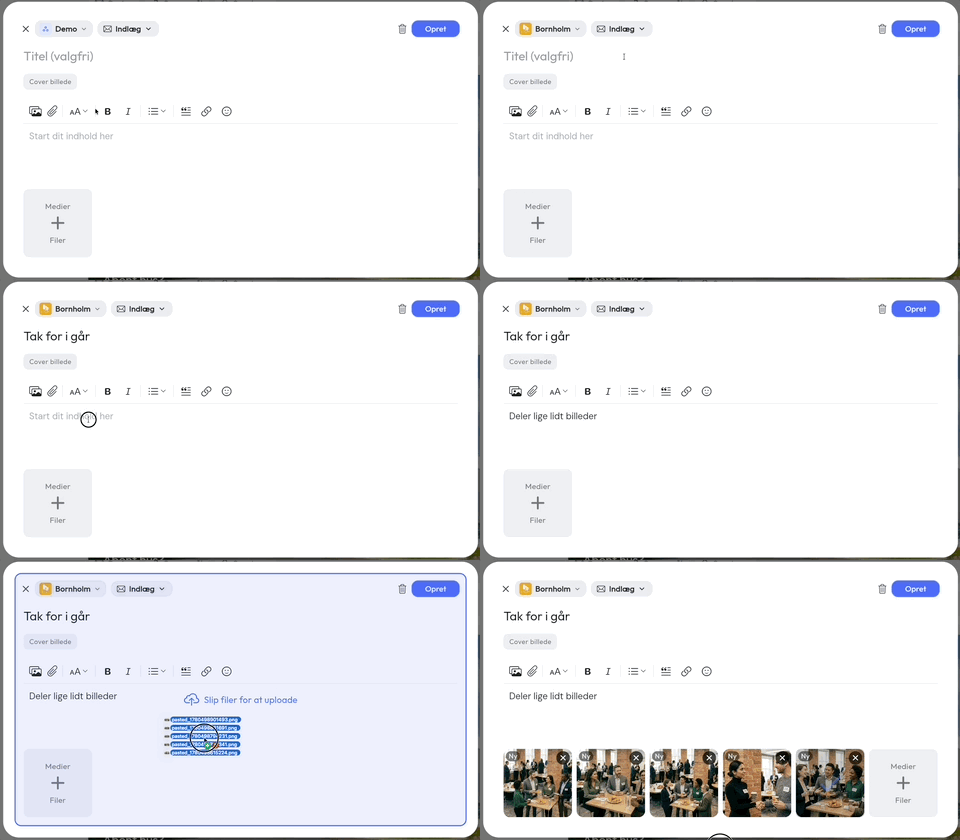
See a walkthrough of the feed and how content is handled across groups and in the new shared space the network now has here: https://samli.io/guides/feed-and-content-management
🔍Searches in a task board
We also set out to make searches easier to follow up on. In addition to showing the status of a search in the feed, you can now also get an overview on a board, so you can quickly see new, ongoing and closed searches.
In the feed 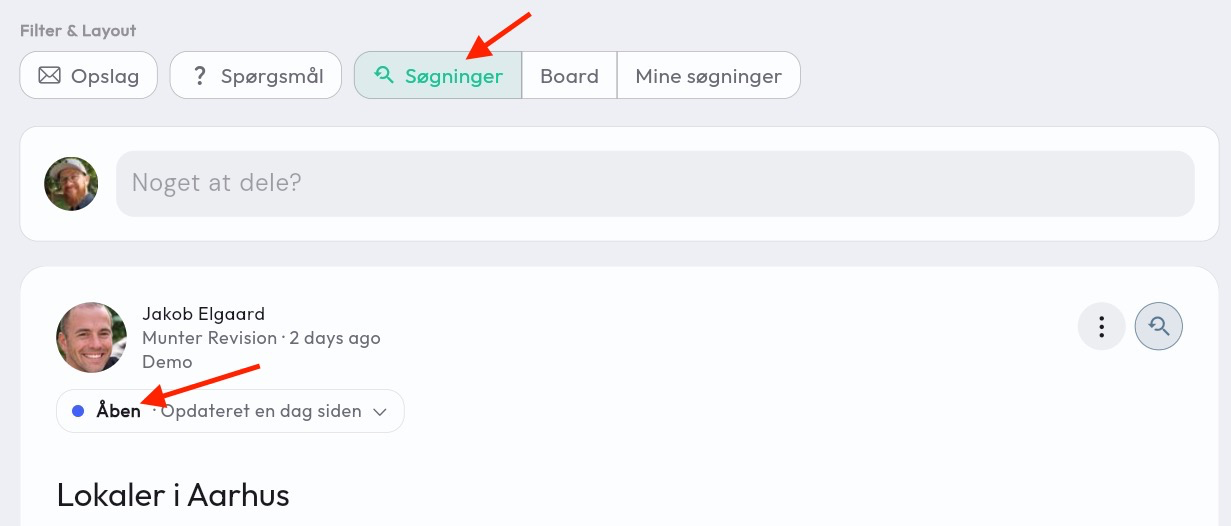
Search board 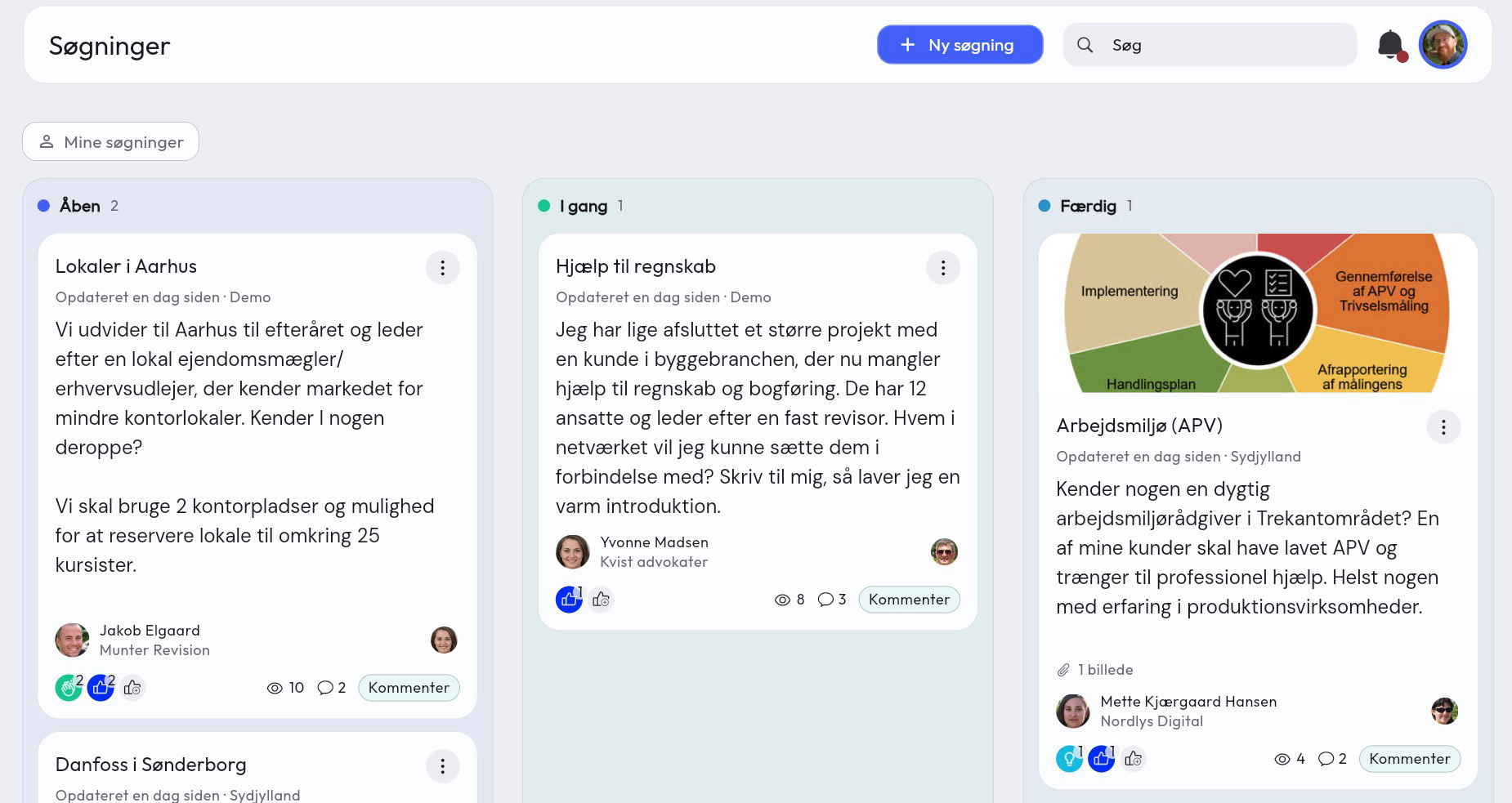
See the searches walkthrough for a deeper look as well https://samli.io/guides/searches-and-task-board
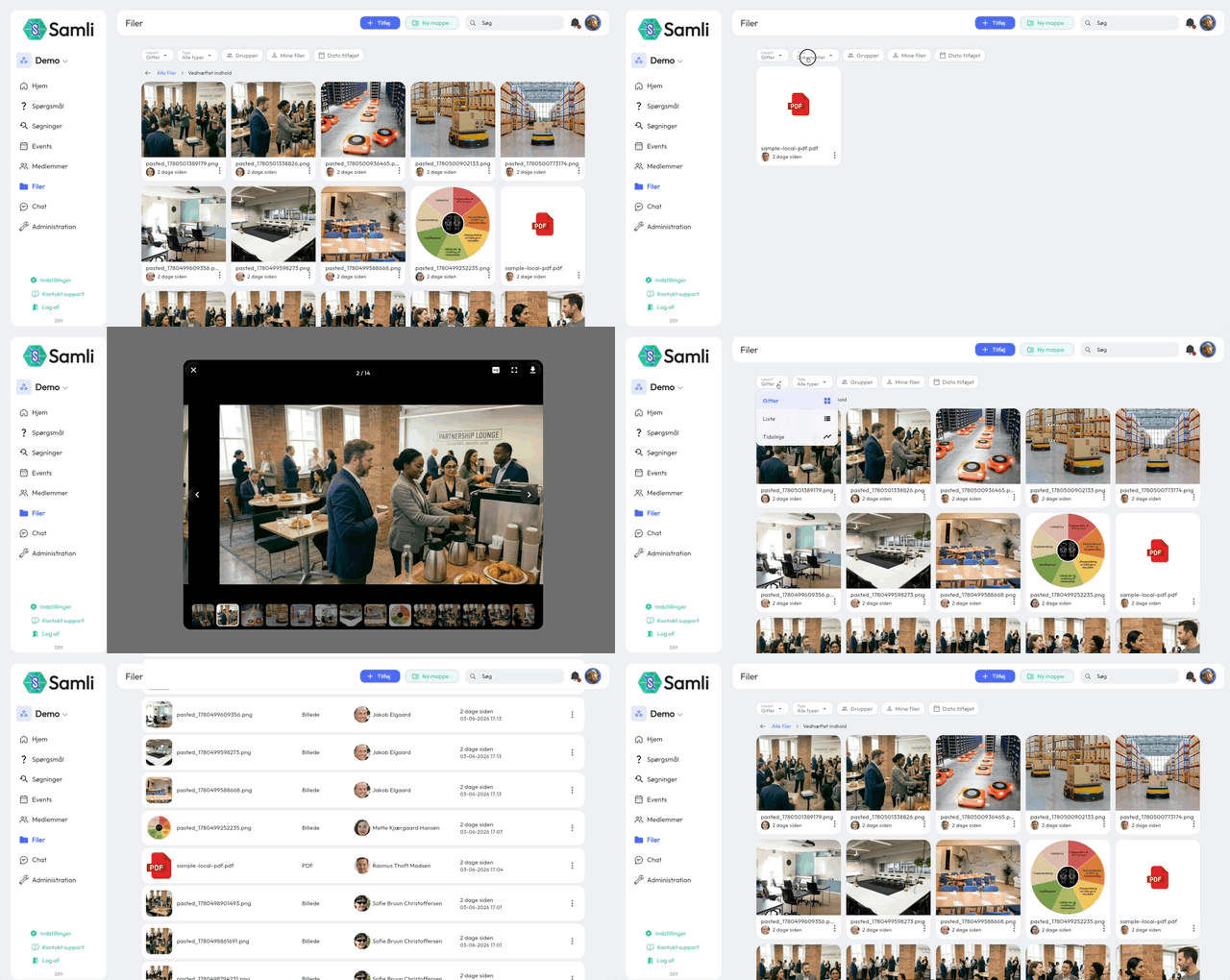
🗂️New file archive with gallery
Documents have also had a brush up, making it easier to browse images, videos and files shared in the network.
📱New app
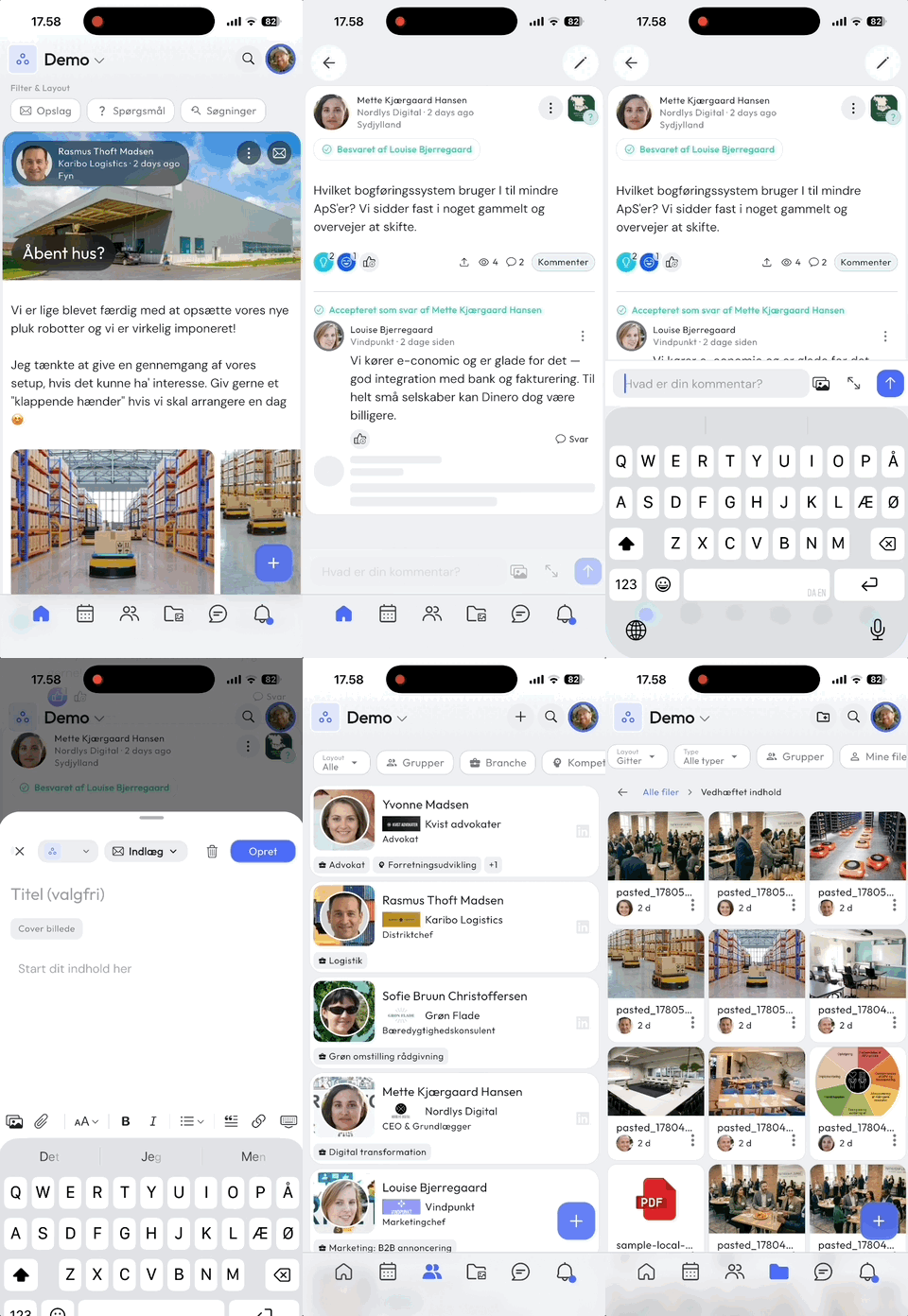
Members should have their “aha” moment much faster, and now they will with your new app. It’s become more intuitive and there’s a shorter path to action.
Content that matters to the member is put front and center, and they can easily switch between groups or the shared space with just a few taps.
Get members to download the app Your app can be accessed from both computer and phones. Some members never get around to downloading the app, because they simply access your community through the mobile browser.
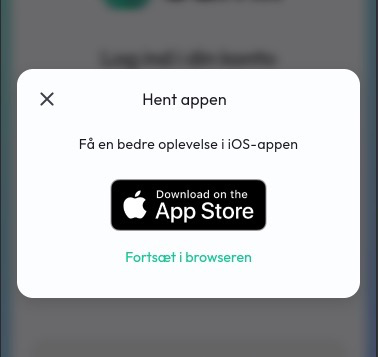
So we’ve added a pop-up at login when accessing your community via the mobile web browser, which links directly to the Apple App Store or Google Play Store
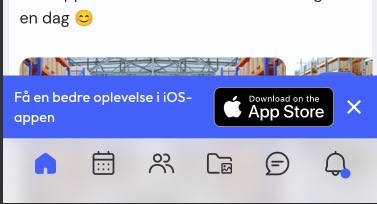
If they still choose to log in through the mobile web browser, they’ll get another banner at the bottom (in your colors) of the screen as a last attempt to get them to download the proper app instead.
More improvements Events can now be shown in both month and week view. Module settings at the organization level, so you control which features are enabled across groups. You can make a member hidden from everyone except those the member shares groups with. Your own colors are now automatically adjusted if they don’t fit in light or dark mode. Onboarding posts for new members are now shared across groups. Quick actions for administrators: create a new group, invite new members and edit members directly.
Bug fixes
Fixed the display of PDFs as well as video and images in several places. Various fixes in translations and in the display of dates depending on language.
What’s coming next time?
Meetings: Set a final response deadline before it locks. Meetings: Choose how many reminders should be sent. New module - References. Members can give each other references and you can register the outcome of the reference.
Previous newsletters
Did you miss a piece of news from last time? You can see all the newsletters I’ve sent here: https://samli.io/newsletters